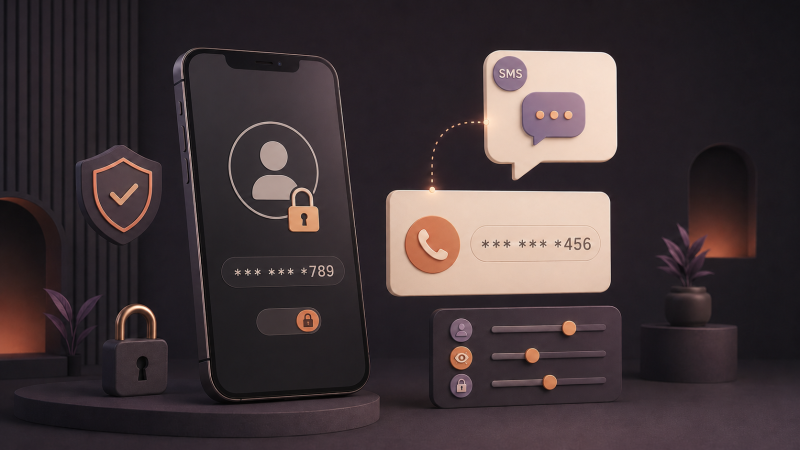
A phone number stopped being just a way to call you a long time ago. Sites use it to confirm signups, secure logins and recover accounts, which means the same personal number gradually gets attached to dozens of apps, shops, social networks and services you tried once and forgot.
Not every one of those links is dangerous. But the more places have your number, the less control you have over where it surfaces: marketing SMS, calls from “partners”, notifications from accounts you abandoned years ago. The fix is simply separating your registrations into personal, work and disposable, and not feeding your main number to all three.
Why you shouldn’t give your personal number to everyone
For many platforms the phone number is a user identifier. Even when it is never shown publicly, it sits in the account database, gets used for notifications and “people you may know” matching, and occasionally leaks together with everything else when a service gets breached. A number that your family, colleagues and bank know deserves better than being an index key in a hundred databases.
Be especially careful with little-known sites, beta apps, one-off promos and anything you don’t plan to use for long. The less the registration matters, the less reason to link it to your main number.
First: check whether a phone is required at all
Many services offer several signup paths: email, an existing Google or Apple account, or a phone. If the phone field is optional, skip it. It also helps to notice what the number is for: a single confirmation at signup, every login, or account recovery. That determines whether a temporary number will do.
Alternatives to using your personal phone number
- Email-only signup is the cleanest option when offered. Use a separate email for disposable registrations.
- Sign-in with Google or Apple means no new number is shared, though it links the account to that identity.
- Authenticator apps for 2FA are preferable where a service allows TOTP instead of SMS: they are safer and do not require a phone number.
- A temporary virtual number keeps your personal number out when the service specifically requires SMS.
When a temporary virtual number is the right tool
A virtual number receives the SMS code online: you take a number on Get-SMS, enter it on the platform, and the message appears in your dashboard. No SIM card or second handset is required. It fits one-off registrations, testing signup forms, or separating a work profile from your personal identity, as long as it does not violate the platform’s rules.
Prices start at a few dozen cents per code, and if no SMS arrives, the number is cancelled free of charge. For accounts that may request new codes over days or weeks, a number rental for up to 30 days keeps the same number available.
You can check available numbers for WhatsApp and Google, YouTube and Gmail on their service pages.
When not to use a temporary number
- Do not use one when the number will be the only way to recover an important account. Use your permanent number or switch recovery to email first.
- Do not use one for accounts holding money, documents or sensitive data, including banks, payment systems and government portals. Get-SMS does not deliver SMS from banks and government institutions by policy, and those services deserve your real number anyway.
- When the platform’s terms require a personally held number, follow the rules of the service you use.
For ordering and service details, see the Get-SMS FAQ.
A simple routine that keeps your number private
- Before signing up, check whether the phone field is optional. Skip it if you can.
- If SMS is required and the account is disposable or limited to work, use a virtual number.
- Right after signup, add an email address or authenticator app as the recovery method where possible.
- Keep your personal number for the short list that really needs it: your bank, government services and family.
How to keep your phone number private when signing up
You do not owe your phone number to every form that asks for it. Check whether it is optional, prefer email and authenticator apps, and use a temporary virtual number for registrations that insist on SMS but do not require your permanent number. Your personal number then remains a private channel for the people and institutions that need it.